Bulk prompts
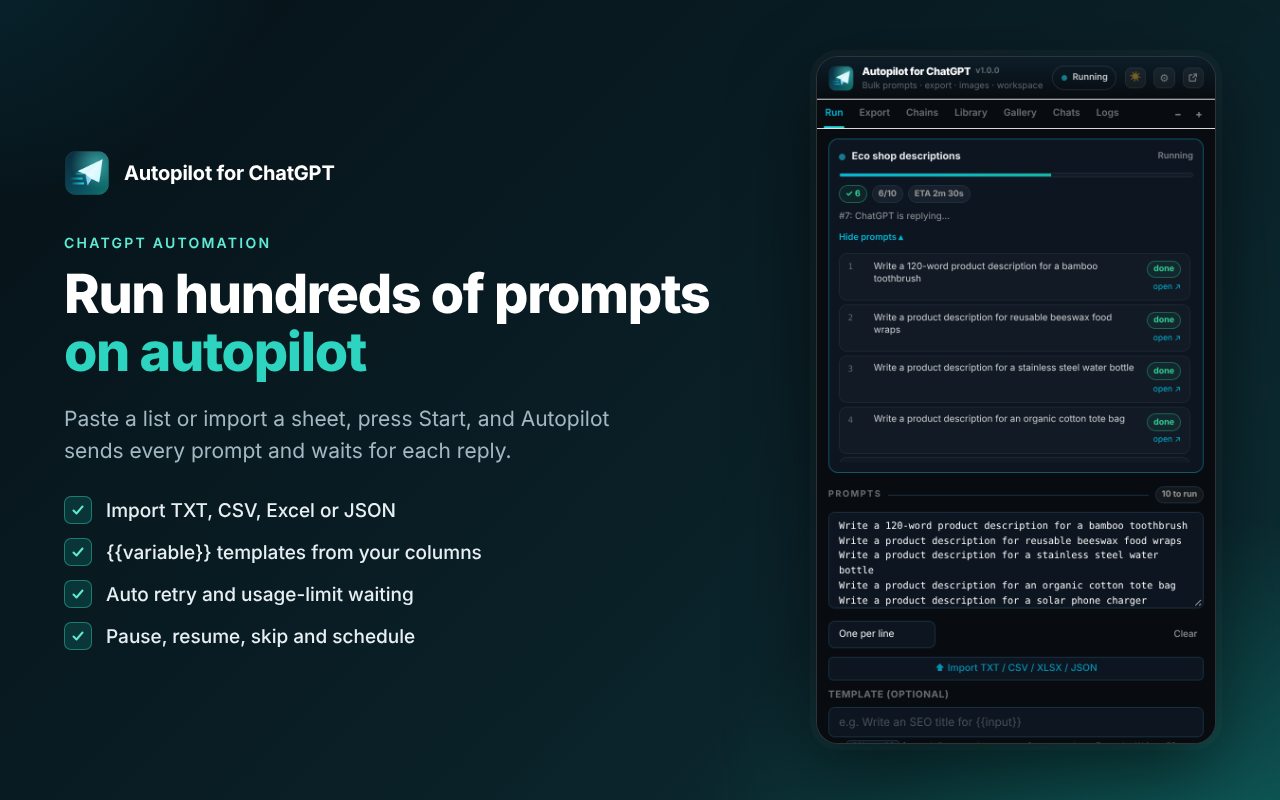
Paste one request per line or import TXT, CSV, XLSX or JSON, with {{variables}} filled from each row.

for ChatGPT
Bulk prompts, chains, image downloads and chat export for ChatGPT.
Paste a list or import a spreadsheet, press Start, and Autopilot sends every request in your own logged-in ChatGPT tab, waits for each full answer and downloads the results. Then export any conversation as a polished PDF, Word or Markdown file in one click.
Modes
Paste one request per line or import TXT, CSV, XLSX or JSON, with {{variables}} filled from each row.
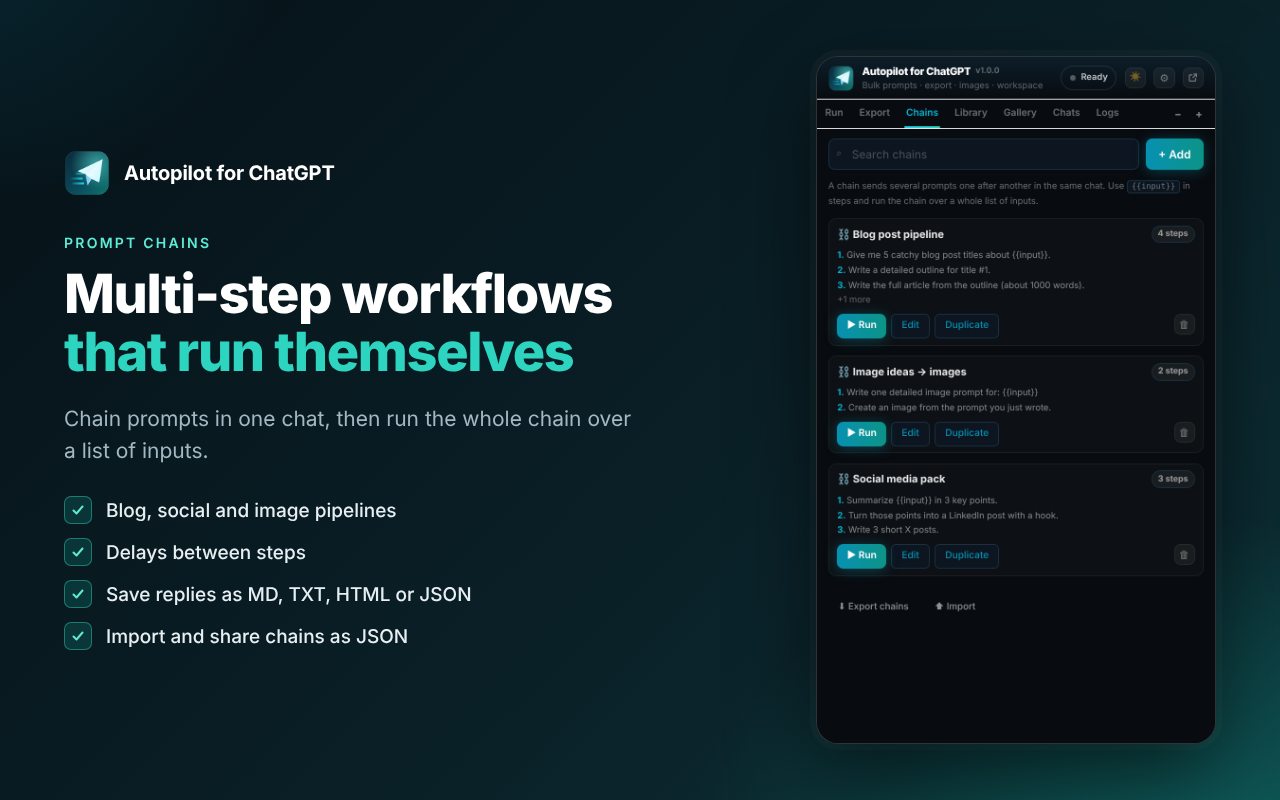
Multi-step workflows that run over a whole list of inputs, one step feeding the next.
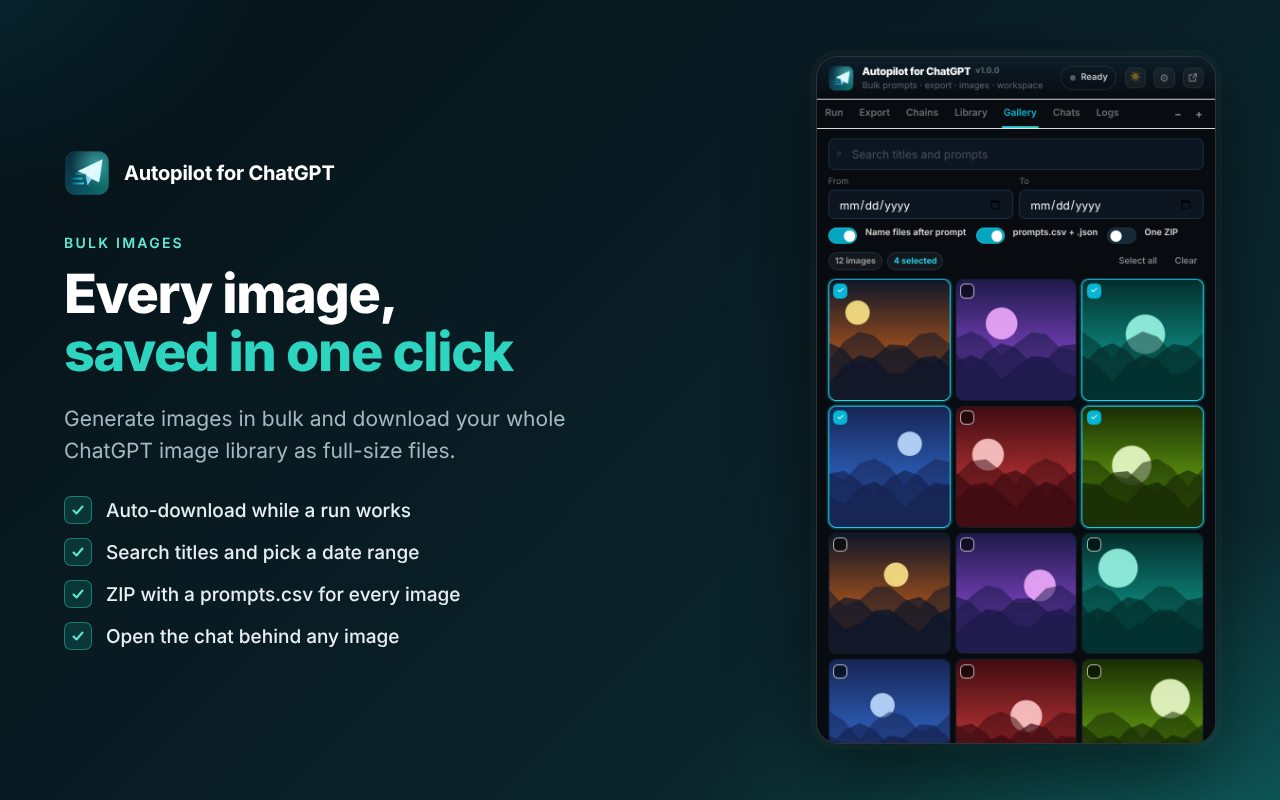
Generate images in 1:1, 16:9, 9:16, 4:3 or 3:4 and download each one at full size.
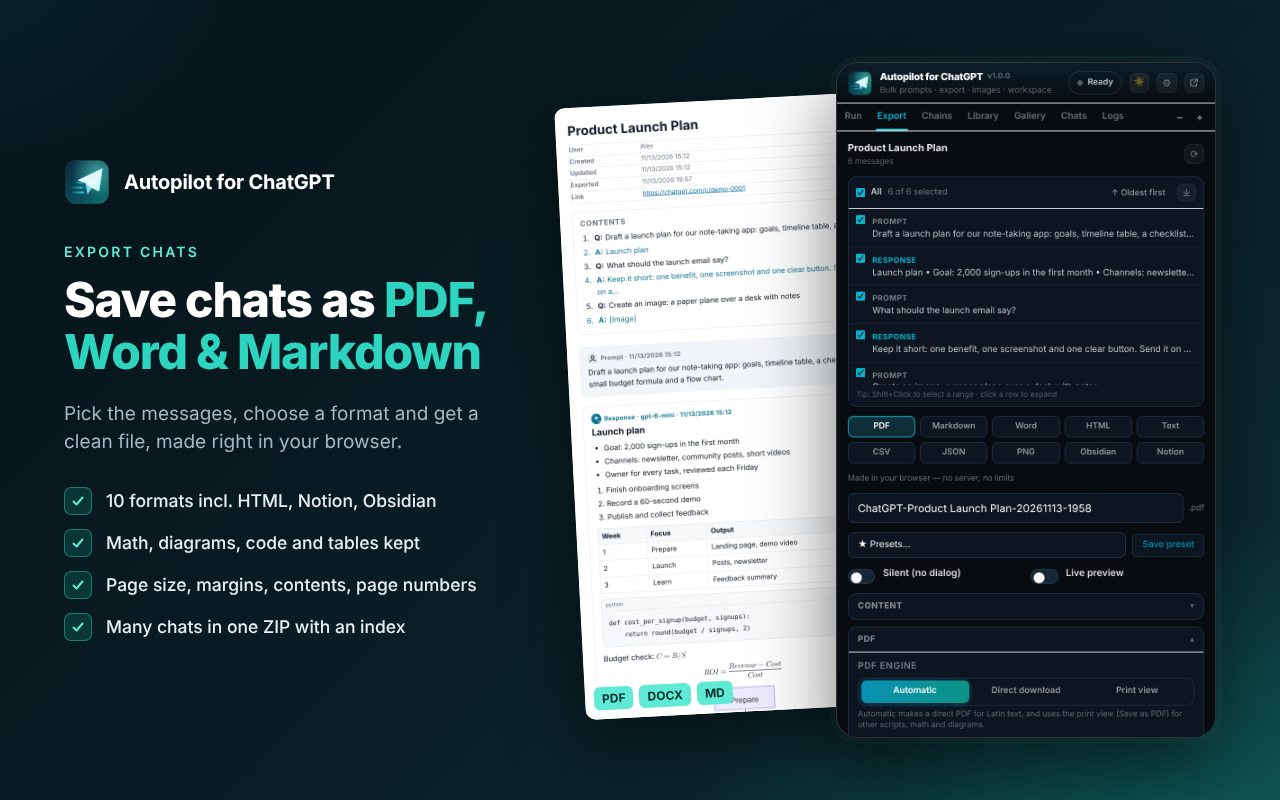
PDF, Word, HTML, Markdown, Obsidian, Notion, Text, CSV, JSON and PNG, made inside your browser.
Everything you have created, with search, date range, select-all, ZIP and a prompts.csv.
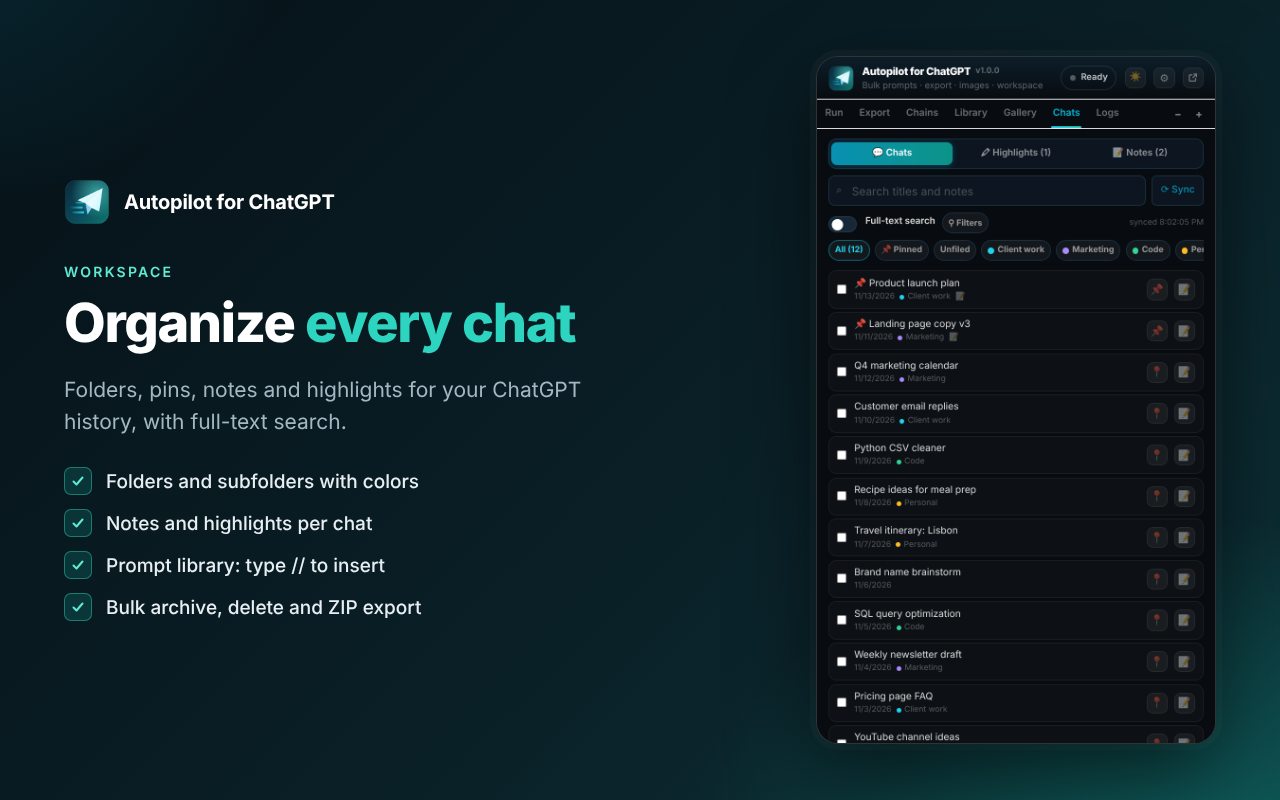
Folders and subfolders, pins, private notes, highlights and full-text search across your history.
A closer look
Automation
A fresh chat per item, everything in one chat, or continue the open one. Works with temporary chats, Projects and custom GPTs.
Pause, skip or stop at any time, or schedule a run for later. Random pauses and retries keep a natural pace.
When ChatGPT’s usage limit is reached, Autopilot waits for the reset time and then carries on.
A report with every answer, picture name and chat link for each run.
Page size A0 to Tabloid, margins, light or dark, fonts, table of contents and page numbers. Math, diagrams, code and tables kept.
Select messages with Shift+Click ranges, presets and live preview, or press Alt+Shift+E for a quick export.
Save many conversations into one ZIP with an index.csv, or bulk archive or delete the chats you select.
Everything stays in your browser. Back it up to a file and restore it on any computer.
Get started
Open chatgpt.com and log in as usual. No API key is needed.
Click the Autopilot icon (or press Alt+Shift+A) to open the side panel.
Paste your list or import a spreadsheet, choose how chats are created, and press Start.
Results and exports are saved to Downloads, inside a “ChatGPT Autopilot” folder.
FAQ
No. Everything is included. An optional tip button supports development.
No. Autopilot works in the ChatGPT website you already use, in the tab you are logged in to.
Your Downloads folder, inside “ChatGPT Autopilot”. You can rename the folder.
No. Autopilot for ChatGPT is an independent tool. It is not affiliated with or endorsed by OpenAI.
Autopilot for ChatGPT runs entirely in your browser, only on ChatGPT. No accounts, no analytics, no tracking.
If it saves you time, a coffee keeps it that way and funds the next extension.
More from BeyondMaddy

Bulk VEO video and Nano Banana image generation for Google Flow.

Bulk AI video, image and music generation for Google Vids.

Bulk Grok Imagine video and image generation, with auto-download.

Bulk Meta AI image and video generation, with auto-download.