Text → Video
Batch-generate Omni video clips from text prompts.

for Google Vids
Bulk AI video, image and music generation for Google Vids.
Paste a list of prompts, press Run, and Vids Autopilot generates every video, image and song in Google Vids, then saves each one to your computer with a clean file name. No account. No subscription. No paywall.
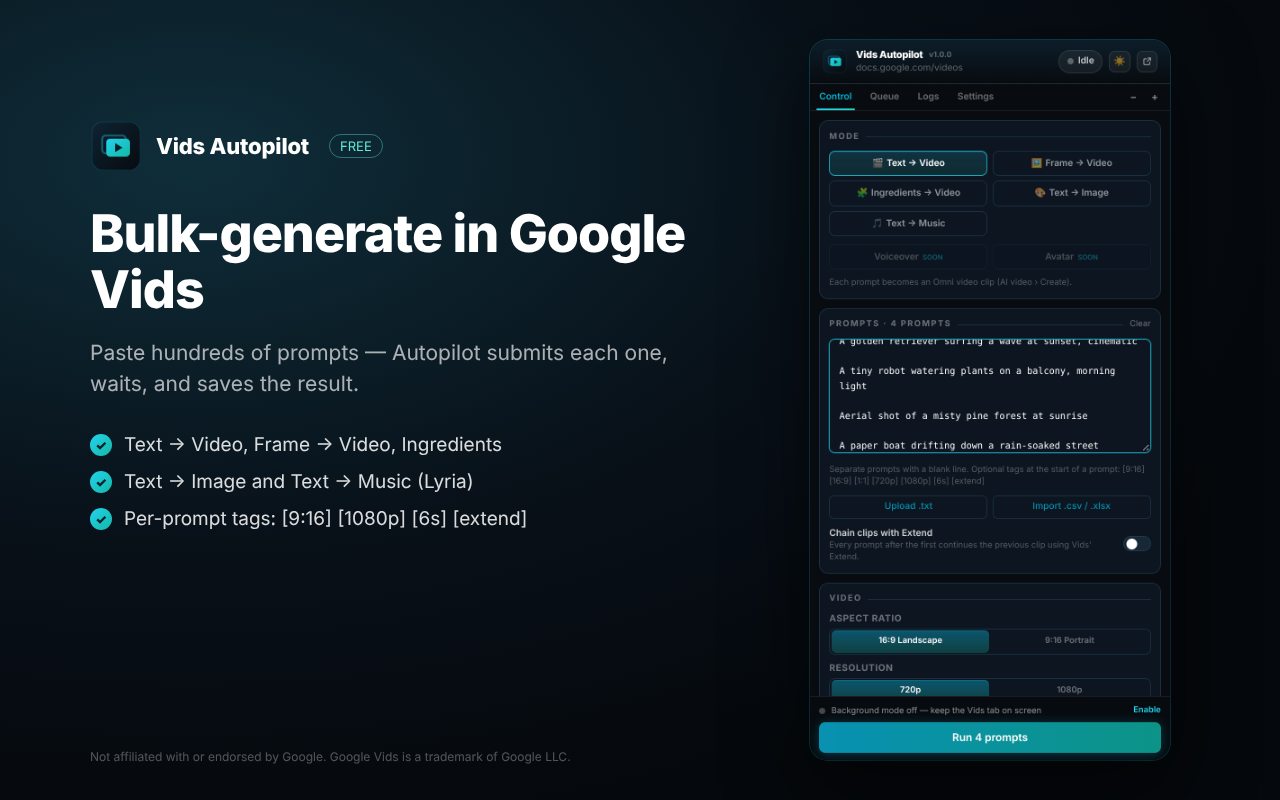
Modes
Batch-generate Omni video clips from text prompts.
Animate your images: image 1 with prompt 1, image 2 with prompt 2, and so on.
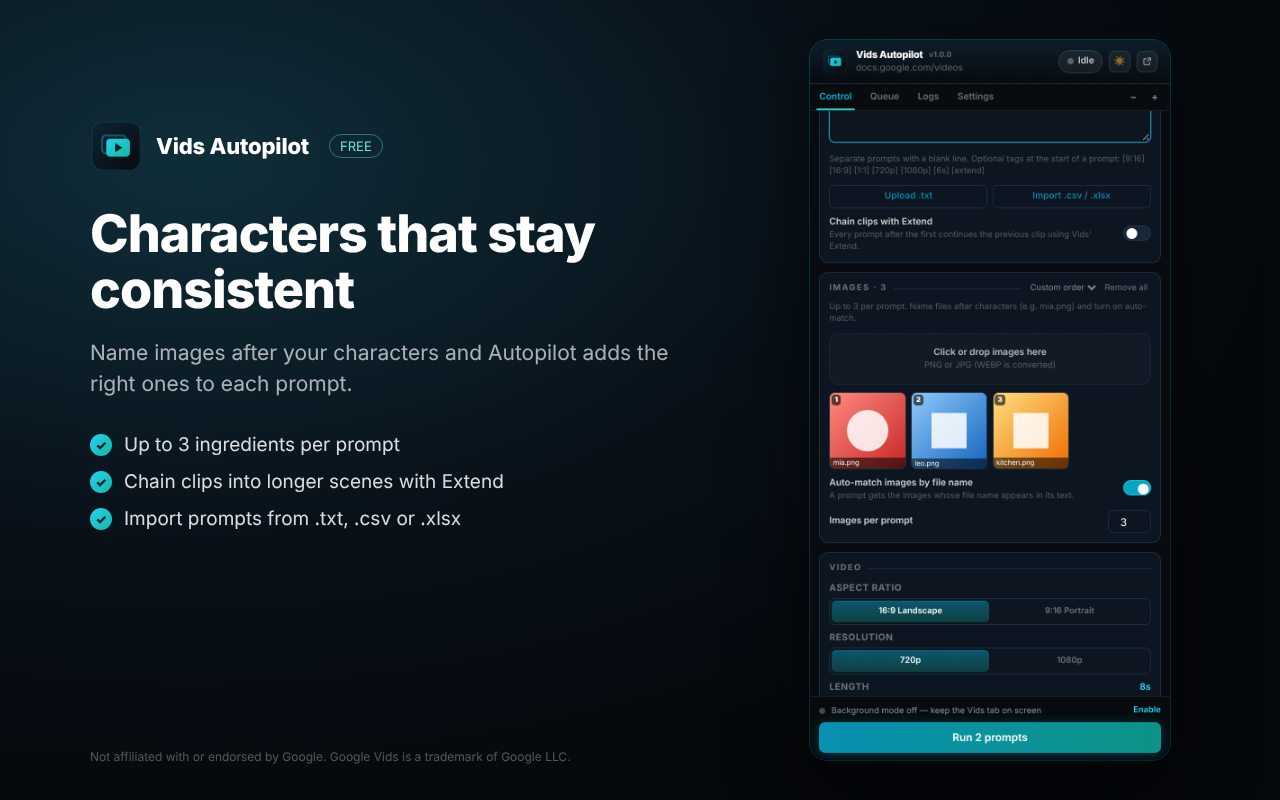
Up to 3 images per prompt. Name files after characters (mia.png) and they’re matched automatically.
Continue each clip from the previous one with Vids’ Extend to build longer scenes.
Square, landscape or portrait images in bulk.
Songs with Google’s Lyria: 30-second clips or full songs, with or without vocals.
A closer look
Automation
Paste prompts separated by a blank line, or import .txt, .csv and .xlsx and pick the sheet and column.
Start a prompt with [9:16] [16:9] [1:1] [720p] [1080p] [6s] or [extend] to change just that prompt.
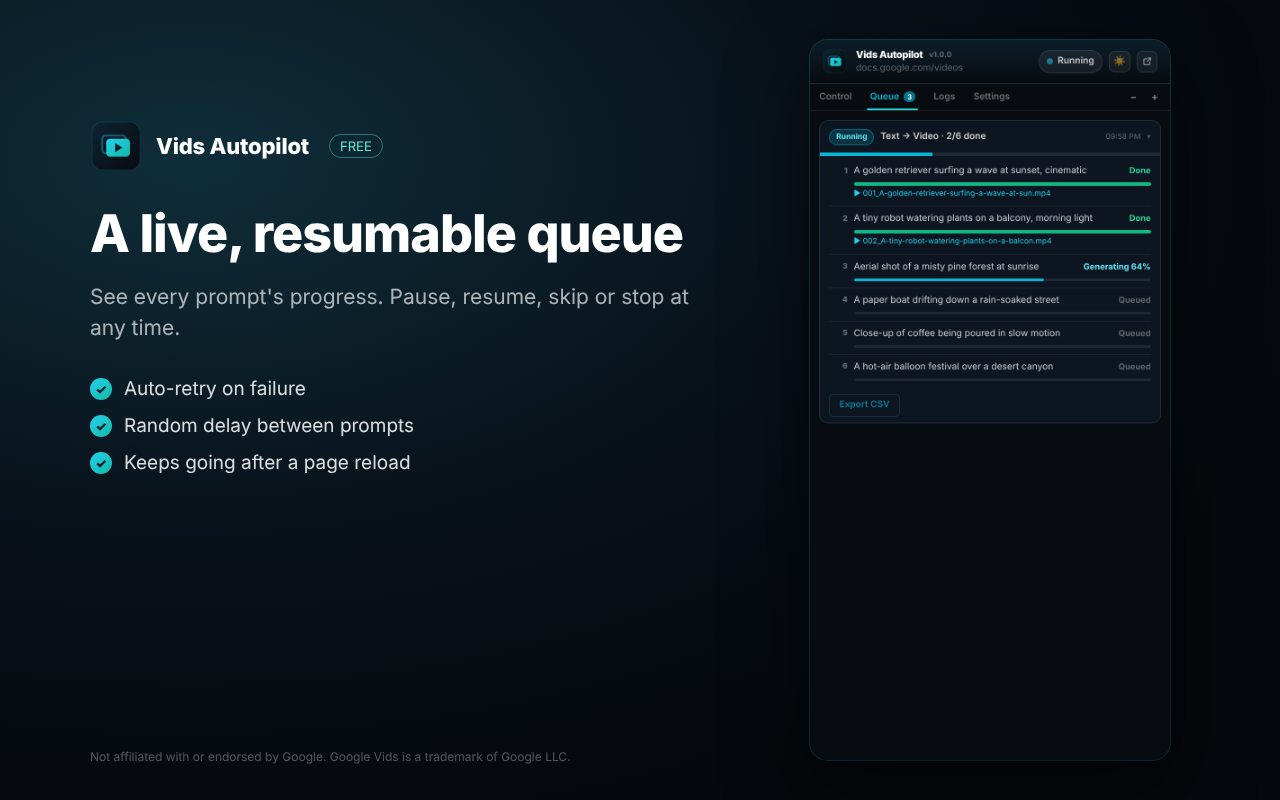
Control the run any time. The queue survives a reload and carries on where it stopped.
Failed prompts are retried; Vids daily-limit messages pause the batch instead of wasting attempts.
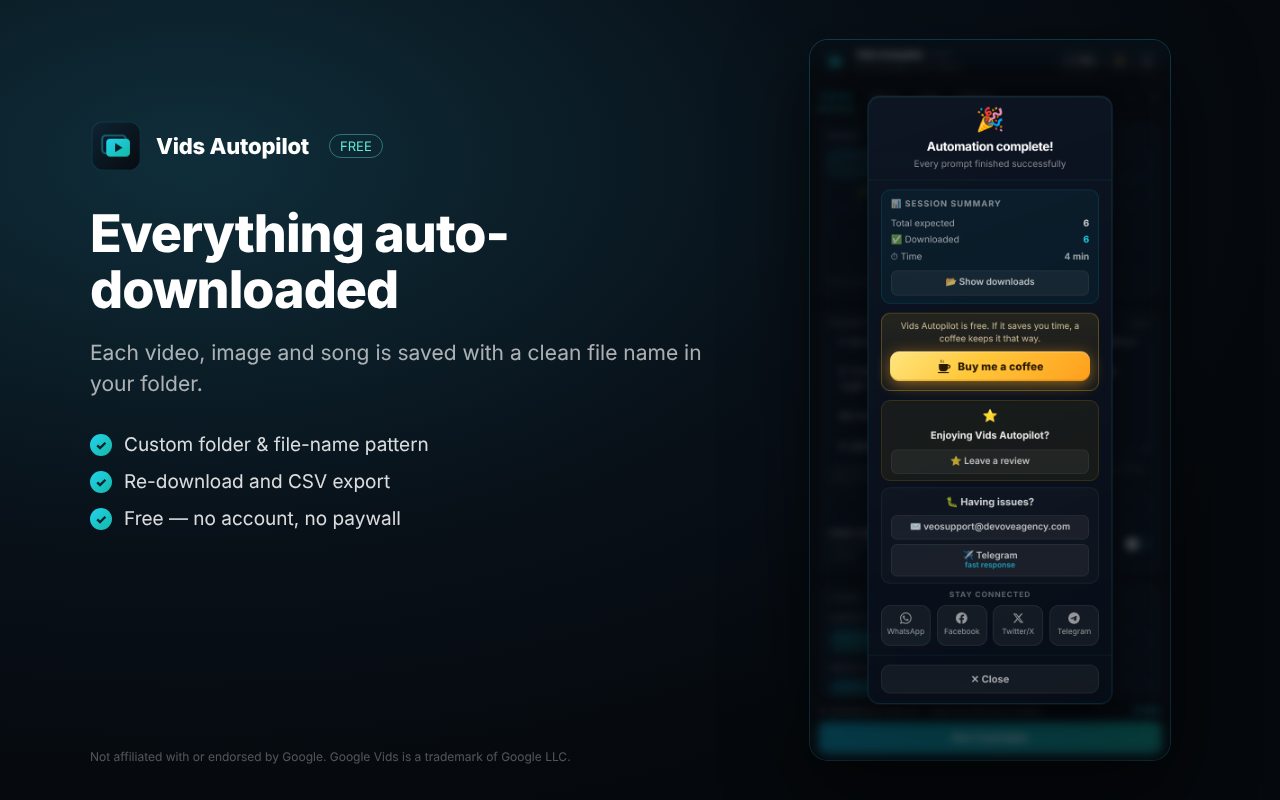
Every result saved to a Downloads sub-folder with your own pattern: {index} {prompt} {date}…
Live progress per prompt, re-download, retry failures and export a CSV report.
Keeps Vids generating while you work in other tabs.
One click confirms every Vids control Autopilot needs is in place.
Get started
Open Google Vids (docs.google.com/videos) and open or create a video.
Click the Vids Autopilot icon to open the side panel.
Pick a mode, paste your prompts (one per paragraph) and choose settings.
Press Run. Results appear in your Downloads folder as they finish.
FAQ
Yes. No account, no subscription, no paywall. You need your own Google Vids access; generation limits are set by Google.
Keep it open while a batch runs, or turn on Background mode so Vids keeps generating while you use other tabs.
The Google Vids interface should be set to English for Autopilot to find its controls.
Straight from Google to a sub-folder of your Downloads, named with the pattern you choose.
Vids Autopilot runs entirely in your browser, only on Google Vids. No accounts, no analytics, no tracking.
If it saves you time, a coffee keeps it that way and funds the next extension.
More from BeyondMaddy

Bulk VEO video and Nano Banana image generation for Google Flow.

Bulk Grok Imagine video and image generation, with auto-download.

Bulk Meta AI image and video generation, with auto-download.